AI Shaking Head
EN
Make my video

Your video is one step away

Sign-in is free and needs no card. We never publish your photo.

By continuing you agree to the terms and privacy policy.

AI Shaking Head

Shaking Head Prompt

What the prompt has to get right, and why you do not need to write it.

Updated Oct 29, 2026 · Independent tool. Not affiliated with, endorsed by or sponsored by TikTok, CapCut, ByteDance or the creators of the original shaking head clip.

Squint · Snap · Shake

Make your shaking head video

Three choices and one tap. The squint, the snap, the head shake and the sound are already built in.

01 Add a photo of your pet

Face to the camera, both eyes visible, sitting or lying. JPG, PNG or WebP, up to 10 MB.

02 Pick the template

03 Model, quality and format

Standard · 720p · 9:16Change model, resolution or format 10 credits

Model

Resolution

Format

By generating, you confirm the photo shows you, an adult who gave permission, your own child (you are their parent or guardian) or your pet, and no celebrities or public figures. Terms · Privacy

Get credits to make your video

✓ No subscription needed: pay once, pack credits never expire.

/mo

once

Pay once, no subscription. Credits never expire.

once

Secure checkout by Waffo · Packs are one-time and never expire · Plans renew until cancelled, cancel anytime from your account

What does the shaking head prompt have to get right?

The shaking head prompt has to do six jobs at once: keep your subject's identity from one photo, switch from squint to wide eyes in a single frame, shake side to side instead of nodding, repeat three loops on the beat, cope with animals whose eyes work differently, and leave the sound for later. On AI Shaking Head it is already written and tested. Make the video from one photo.

Unofficial: not affiliated with TikTok, CapCut, ByteDance or the original creator. This page does not print a prompt on purpose, because a pasted prompt is the least reliable part of the process.

What are the six jobs?

  1. Identity from one photo. The face, fur or hair, markings and outfit must stay yours through a fast head turn. This is where most AI video drifts.
  2. The instant switch. The original goes from eyes shut to eyes wide in about 0.3 seconds, one frame of snap. Models like to blend slowly.
  3. Side to side, not a nod. "Shaking head" means the "no" shake. Without clear direction a model often nods instead.
  4. Three loops on the beat. About 3.6 seconds per loop, three times in 10 seconds, in time with the original sound. See the beat sheet.
  5. Animals without obvious eyelids. A squint reads on a cat. It needs different handling for other subjects.
  6. Sound added after. The model renders silent video. The trend's sound is laid on top once the clip is done, so the prompt must not try to create audio.

Why do copied prompts fail?

  • Wrong face. The prompt describes a cat on a bed. Your photo is a dog in a garden, and the model tries to satisfy both.
  • Slow, soft motion. A long wordy prompt gives a gentle sway, not a snap. The comedy dies.
  • Missing inputs. A prompt is one ingredient. The photo, the framing and the format matter just as much.
  • One lucky render. A prompt that worked once for its author may fail four times for you, and each attempt on a paid model costs money.

If you expected a one-line fix, the honest answer is that there is not one. The tutorial shows the shorter route.

What is built in here?

Each of the 7 templates carries its own tested shot list and settings, tuned to its subject: Smug Cat, Dog Head Shake, Selfie Head Shake and the rest. You upload a photo and pick a format. Nothing is shown and nothing is typed. If you are curious about the app route, the CapCut template page compares it honestly, and the trend page explains where the clip came from.
Make my video

Seen on TikTok

The trend in the wild

The original clip and remakes that spread on TikTok in October 2026. Tap the speaker for the trend sound.

Three steps

How to do the shaking head trend

No timeline editing and no prompt writing. The clip is already choreographed, you bring the face.

01

Upload one photo

A clear, front-facing photo of your pet, your baby or yourself, with both eyes visible.

02

Pick the template

Choose one of 7 templates: Smug Cat, Wide-Eyed Kitten, Dog Head Shake, Farm Calf, Any Pet, Selfie or Baby Giggle.

03

Download and post

Get the 10-second MP4 with the trend sound already in it, add your caption and post.

Questions

FAQ

Is there a shaking head prompt I can copy and paste?

Prompts are passed around in tutorials, but a prompt alone does not make this video. The shaking head clip also depends on your photo and on exact timing. On AI Shaking Head all of it is built in, so there is nothing to type and nothing to copy.

Why does a copied prompt give a different result?

A copied shaking head prompt was tuned for someone else's photo and model. Your subject has different fur, a different pose and different eyes, so the squint, the snap and the shake land at other moments. AI Shaking Head tunes each of its 7 templates for its subject and tests them, so the same photo gives the same kind of loop.

Which AI model runs the shaking head prompt?

AI Shaking Head uses Seedance 2.0 / 2.5 by ByteDance for the shaking head video, in four tiers from Standard to Ultra. A standard 10-second video costs 10 credits. The prompt, the motion and the settings are fixed inside each template, so you only choose a photo and a format.

Do animals without visible eyelids work with the shaking head prompt?

Yes, within limits. The shaking head squint is easy on a cat and harder on an animal whose eyelids barely show, so the wording differs per template on AI Shaking Head. Pick Any Pet Any Place for unusual animals, and use a sharp front-facing photo. A result can still vary from one render to the next.

Your video is one photo away

Upload a photo of your pet, your baby or yourself, pick the template, generate.

Make my video
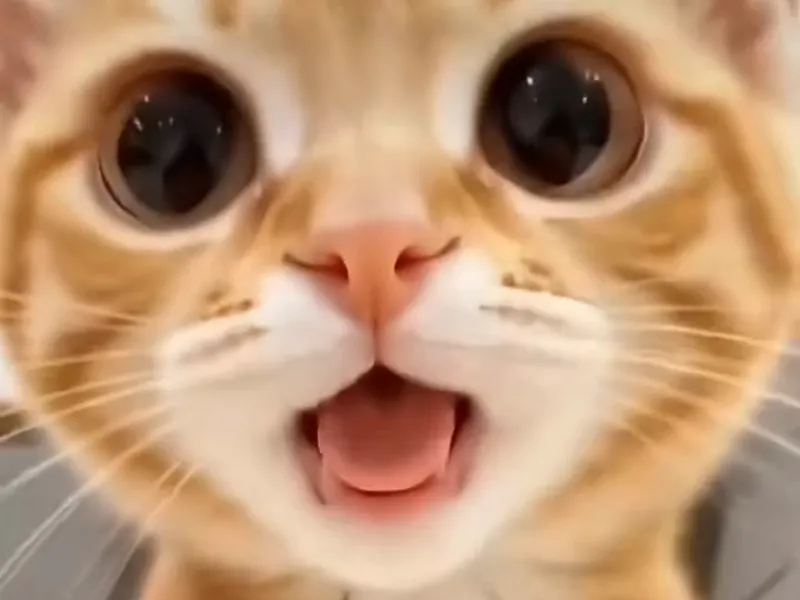
A wide-eyed orange kitten mid head shake