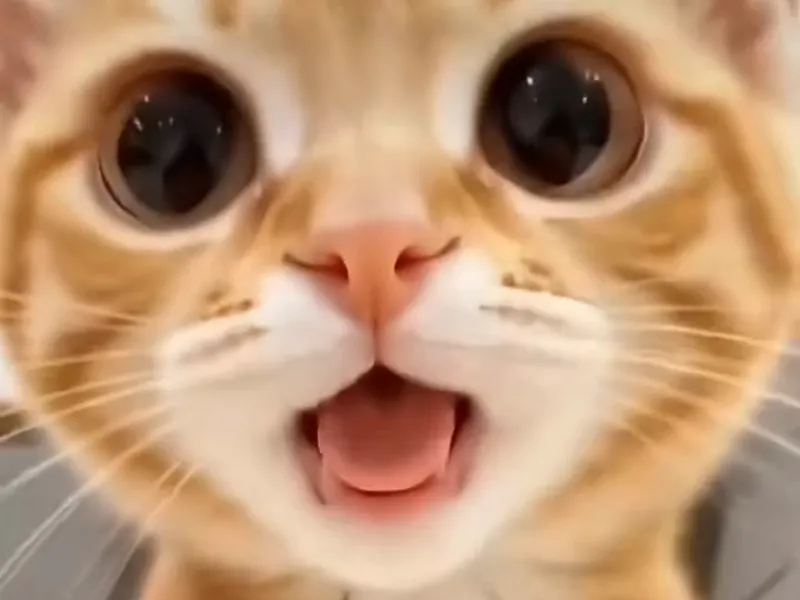
To follow the shaking head trend tutorial, upload one clear photo to AI Shaking Head, pick a template and a format, generate, and download the 10-second MP4. There is no prompt to write and nothing to edit. Unofficial: not affiliated with TikTok, CapCut, ByteDance or the original creator. Open the generator.
What are the four steps?
1. Pick a clear photo
Front-facing, good light, both eyes visible. Whatever the subject wears or sits on in the photo stays in the video, so choose it on purpose. Pet, baby (your own child only) or you.
2. Choose the template and the format
Pick one of 7 templates: Smug Cat for the original, Selfie Head Shake for yourself. Choose 9:16 for TikTok, Reels and Shorts.
3. Generate
The render takes an estimated three to four minutes. A standard video costs 10 credits.
4. Download and post
The MP4 already carries the trend's original sound. Add your caption in the app you post to and publish. The meme edit page covers captions and export.
How does this compare with doing it by hand?
People also make the trend with a CapCut template or a general AI video app. Both can work. They ask more of you.
| AI Shaking Head | CapCut template | AI video app | |
|---|---|---|---|
| What you supply | One photo | One photo, plus finding a live template | Photo and your own instructions |
| Setup | Browser, no install | CapCut app and account | An account, often paid |
| Does the squint-to-snap timing come out right? | Built into every template | Depends on the template | Trial and error |
| Trend sound | Added after render | Usually added in-app | Separate step |
| Reliability | Same template every time | Templates come and go, vary by region | Varies per attempt |
The CapCut route is covered honestly on the CapCut template page. If you wonder why the typing route disappoints, read why a copied prompt fails.
Which photo tips change the result?
- Both eyes clearly visible. The trend lives on the squint and the stare.
- A sitting or upright pose facing the camera, like the original cat on the bed.
- One subject. Group shots make the head shake unpredictable.
- A plain background. It stays calm while the head moves.
Cats do best with the Wide-Eyed Kitten or Smug Cat, dogs with Dog Head Shake.
Where do I post it?
TikTok, Instagram Reels and YouTube Shorts all take 9:16. Label it AI-generated where the app asks. For the background on the trend and its sound, see what the shaking head trend is.